AutoCount e-Invoice setup and training
AutoCount e-Invoice lets you send invoices, credit notes and debit notes to LHDN MyInvois straight from AutoCount Accounting. However, the first setup has several steps, and staff need to know what to do when a submission is rejected. So we connect AutoCount e-Invoice for you and train your team on it.
This class suits accounts staff, admin teams and business owners. It also suits accounting firms that file for several clients.
What we set up
- MyInvois linkFirst, we register AutoCount as your intermediary on the MyInvois portal and enter the client ID and secret.
- Company dataNext, we check your TIN, SST number, MSIC code and business activity.
- CustomersThen we fill in buyer TINs and ID numbers, and flag general public buyers.
- ItemsFinally, we map classification codes and tax types to your stock items.
What the AutoCount e-Invoice class covers
- Submitting a single invoice and a batch of invoices
- Reading the validation result and the QR code
- Fixing a rejected document and sending it again
- Cancelling within the 72-hour window
- Credit notes, debit notes and refund notes
- Consolidated e-Invoice for retail sales
- Self-billed e-Invoice for some purchases
We train on your own data in a test company first. Then your team goes live with confidence.
Price and booking
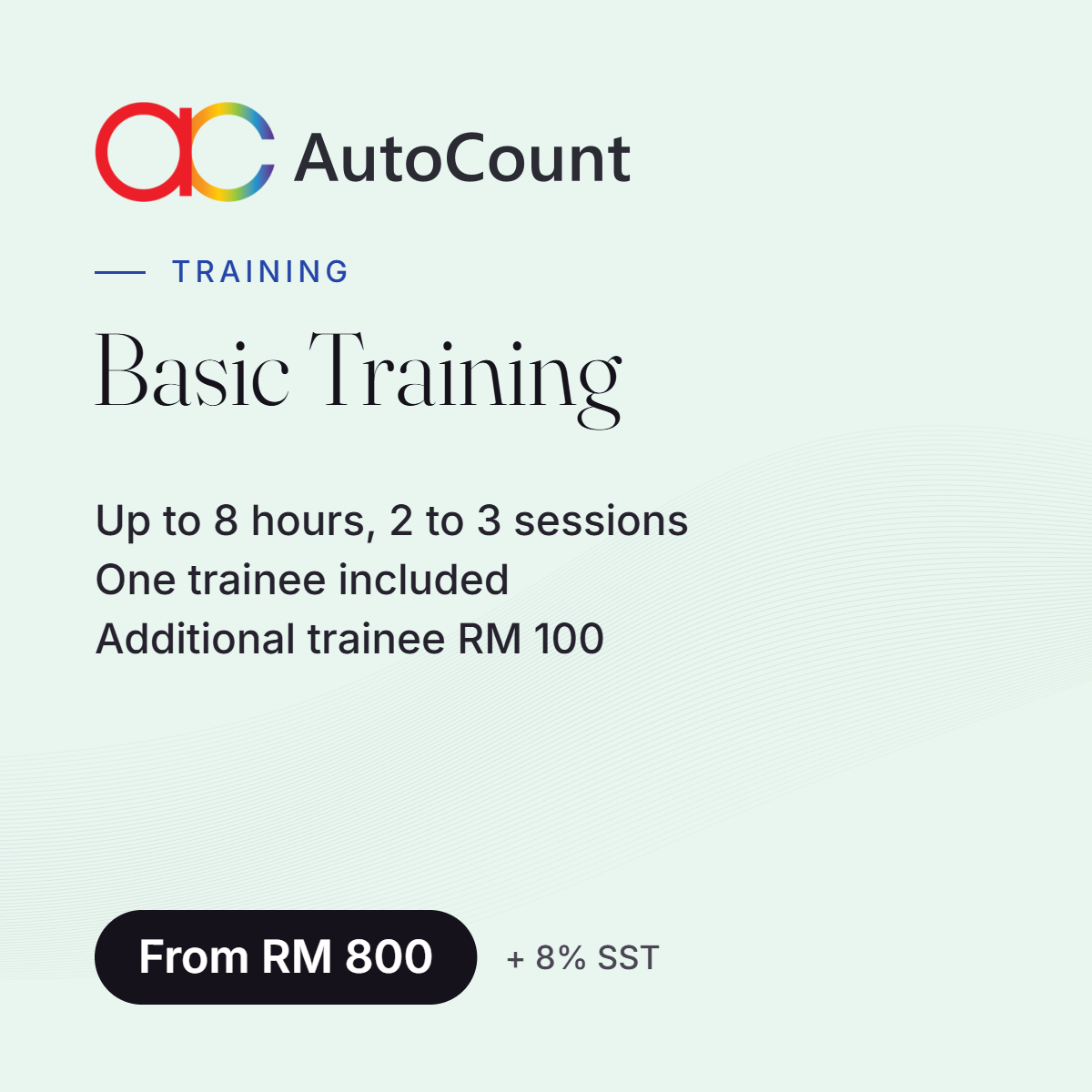
AutoCount e-Invoice is already part of every edition training package, from 4 to 14 hours. So most new customers need nothing extra. Existing AutoCount users who want only the e-Invoice setup and class can ask us for a quote. Also, extra trainees can join for RM100 each.
We run the class at your office, at our Kuala Lumpur or Batu Pahat office, or online. For the official rules, read the LHDN e-Invoice page and the MyInvois SDK site.
AutoCount e-Invoice questions
Do all AutoCount editions support e-Invoice?
Yes. Current AutoCount Accounting editions and AutoCount Cloud can submit e-Invoices to LHDN MyInvois.
What if LHDN rejects an e-Invoice?
AutoCount shows the reason. Your staff then correct the data, such as a missing TIN, and submit again. We practise this in class.
Can you set up e-Invoice remotely?
Yes. We connect AutoCount e-Invoice by remote desktop, so you do not need to wait for a site visit.
Get AutoCount e-Invoice ready
Tell us your AutoCount version and how many companies you file for. We will plan the setup and class with you.